
As I head into the new school year, I'm not scrambling for my old lesson plan book or looking for notes in some long buried folder. All of my work is saved in Evernote and I will be sharing the work with my students on the second day of school. As I was sitting and thinking about all of the things I was going to need to start the year, I was struck by the number of things I will not need now that I'm as paperless as I can get. In no particular order, here are the things I will not miss in the upcoming school year.
1. Milk Crates


4. Lesson Planner

I moved all of my lessons plans into Evernote and now I have everything I need when I want it wherever I am. I can make full notes on Evernote if lessons need tweaking and I can do that on my iPad, computer or iPhone. I never have to worry about leaving the planner at home or at work. Those days are the worst for a teacher. The internet would need to shutdown worldwide for that to be a problem. Even if that did happen, my Evernote notebooks are always available offline, so that problem is solved. As long as my device has power, I can still use my lesson in the post apocalyptic Thunderdome Bartertown scenario.
5. Lost Work

If you want to start your Evernote journey now, follow this link to sign up!
1. Milk Crates

I will not miss these guys at all. Carrying one or two of these down the hall, down the stairs and into my car only to have to make a return trip the next day was a pain in my butt. The amount of effort to jam as many notebooks or binders into these guys was just too much on some days. Carrying over 50 pounds of paper and projects to and from my car was a chore. Granted, I think my body is missing the upper body workout in carrying these guys, the stress of moving them around. These plastic guys will not be missed.
All of my student work will be on Turnitin.com or saved in their Evernote notebook that can be shared with me and acts as an e-portfolio. I do not have to take anything home with all of my work and their work saved in their notebooks. Nice.
2. Binders

I mentioned these guys above and they make the milk crate problem even worse. Not surprisingly, milk crates were not designed to hold binders perfectly. Students also use infinite number of sizes for their binders, so it's playing a complicated game of Tetris to fit them all into multiple milk crates. Also, despite being told not to have multiple subjects in the binder, I still am asked by students to hurry and return theirs when I'm done because they have their Science and Spanish notes in there. Ya, the joy of binders in the English Classroom.
Again, having students use their Evernote accounts to save all of their work, I do not need them to keep binders to store assignments. All of that work is saved in a notebook that is shared with me. I can pop in and look at their assignments whenever I want. If something is missing, I can send them an email or talk to them in class.
3. Paper Jams, Low Toner, Copier Lines, and PC Load Letter
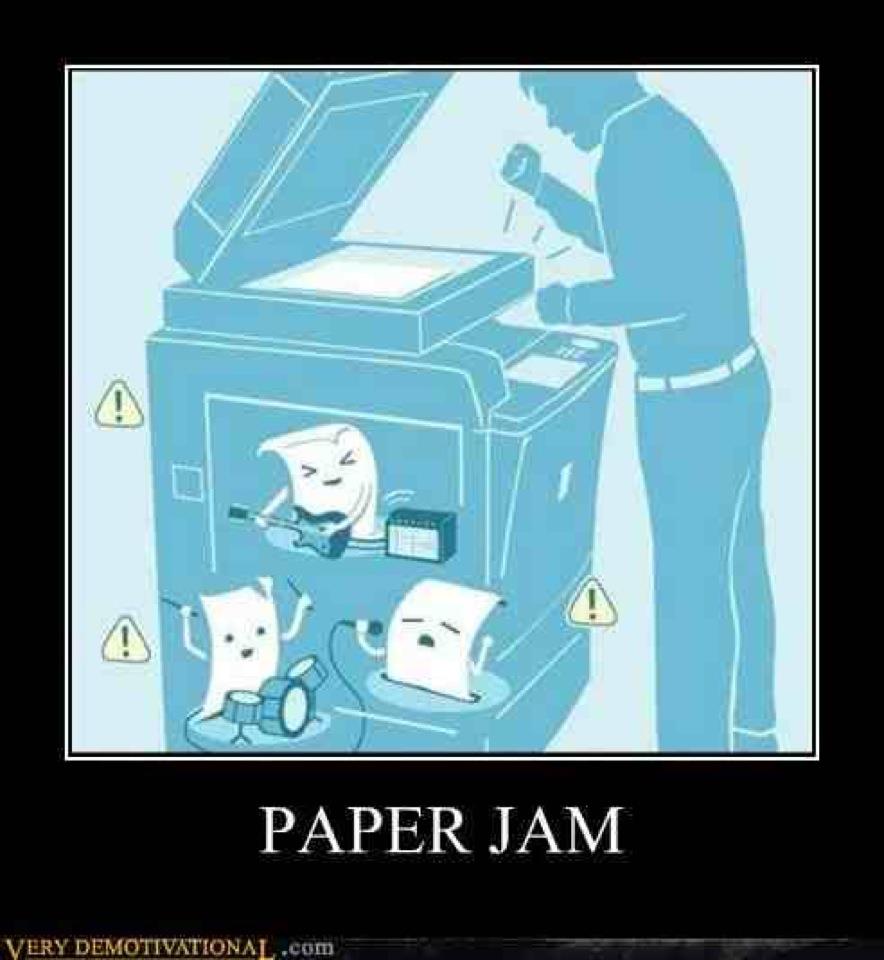
I have wasted countless hours waiting in line for the copier, fixing the jams others have left and trying to figure out how to replace the toner in the new copier. My prep time has been used fixing copier problems. I feel like I am the only person that would take the time to fix these issues. Special note to those that walk away. If you make copies, it jams and you try to sneak off, try not putting your name on your crappy worksheets. Makes being anonymous very difficult.
I have cut all of that junk out of my life and I can now use my prep time for actually prepping lessons. I have scanned all of my work into Evernote. Every document I have ever created that will be used in class is saved in a note that is either just for me or will be shared with students. I share everything digitally with my students. It is either in a public notebook or shared through email. I no longer have to run to make one extra copy for the kid who lost it or missed school for some reason. everything is accessible digitally. This allows me more time to focus on instruction. Although I loved the accolades from peers for fixing the paper jam, I would rather work in the comfort of my own room not covered in toner.

I love that they still make these with these covers. Nothing says professional teacher like the one room school house on the most important notebook you own. I used to have these plan books that had all of my lessons for the year. Everything I wanted to do would be written in pencil one week at a time. If I was daring, I would plan for two weeks. However, it was inevitable that I was going to miss a day, a lesson was going to run long or short or some other thing would throw off the entire schedule. I would then have to go in and draw arrows or leave notes on what to change for next year.
After the year was over, I would place the lesson planner in a secure location to be taken out to use as a guide in August as I plan out the year. That was the plan. It never worked out that way. The planner never had the most important notes I needed for the lesson. My notes seemed great, but my gibberish handwriting and shorthand made it nearly impossible to figure out what the heck I was trying to tell myself. I would grow more and more frustrated and eventually just decide to go with what I had before and make the changes on the fly. Ya, great idea.
I moved all of my lessons plans into Evernote and now I have everything I need when I want it wherever I am. I can make full notes on Evernote if lessons need tweaking and I can do that on my iPad, computer or iPhone. I never have to worry about leaving the planner at home or at work. Those days are the worst for a teacher. The internet would need to shutdown worldwide for that to be a problem. Even if that did happen, my Evernote notebooks are always available offline, so that problem is solved. As long as my device has power, I can still use my lesson in the post apocalyptic Thunderdome Bartertown scenario.
5. Lost Work

No giant Smoke Monsters eating work in my class. Work is completed saved in one of two digital spaces and is available whenever student or teacher wants it. When work was done solely on paper, the lost assignment was something that was to be expected. It would get eaten by a dog, swallowed by a kitty or destroyed by a rock monster. These are very real possibilities in the world of paper assignments. By moving everything to the digital realm, my students have their assignments on the ready when they want to learn and review. I do not have to spend time on conversations on why something is missing or coffee stained. The work will be there until deleted and then deleted from the garbage. Evernote and Turnitin.com allow my students a safe place to store their work from every possibility, including roaming polar bears on tropical islands.
These are just a few of the things that I will not be missing this upcoming school year in my nearly paperless classroom. What would you be happy to say goodbye to if you were paperless?
If you want to start your Evernote journey now, follow this link to sign up!

